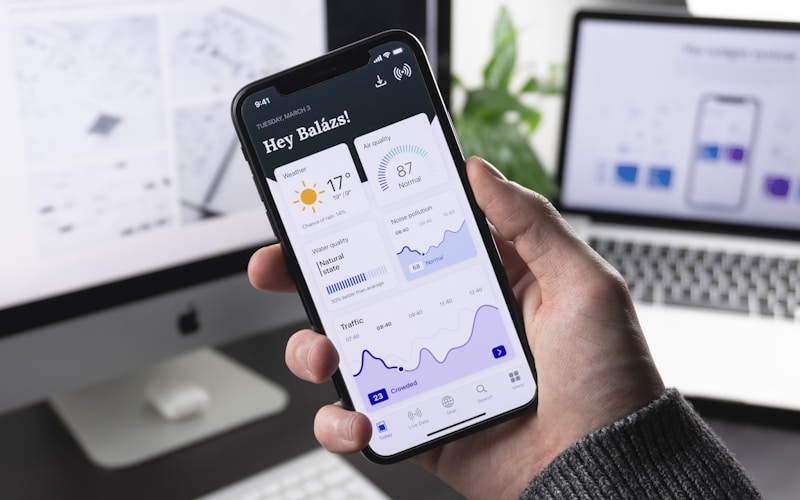
Progressive Web Apps (PWA) vs Native Mobile Apps: What Works Best for Nepal
When Nepali businesses seek to expand into mobile commerce or client portals, the immediate instinct is often: "We need an Android and iOS mobile app on the Play Store and App Store." However, developing native applications introduces substantial financial commitments, dual-codebase maintenance, App Store approval friction, and high user acquisition resistance. In a smartphone market dominated by budget devices, Progressive Web Apps (PWAs) offer superior return on investment.
Strategic Executive Summary
- Core Insight: A huge portion of smartphones active in Nepal have 32GB or 64GB total internal storage. Users routinely delete heavy 80MB native apps to make room for photos and WhatsApp media. A PWA occupies less than 2MB of cached storage.
- Production Quality: Battle-tested engineering techniques designed specifically for Nepal's network infrastructure and business environment.
- Direct Implementation: Copy-paste ready code architectures with security safeguards against race conditions, data corruption, and unauthorized access.
Table of Contents
1. What Makes a Web Application a PWA
A Progressive Web App is a website built with modern web technologies that delivers an app-like experience. When visited in mobile Chrome or Safari, users receive an "Install App" prompt. The application launches from the home screen in full-screen standalone mode without browser address bars, functions offline, and receives push notifications.
2. Building the Web App Manifest (manifest.json)
The manifest configures metadata when installed on Android and iOS devices:
{
  "name": "Safal Digital Store Nepal",
  "short_name": "SafalStore",
  "start_url": "/?source=pwa",
  "display": "standalone",
  "background_color": "#111111",
  "theme_color": "#ffb400",
  "orientation": "portrait-primary",
  "icons": [
    {
      "src": "/img/icons/icon-192x192.png",
      "sizes": "192x192",
      "type": "image/png"
    },
    {
      "src": "/img/icons/icon-512x512.png",
      "sizes": "512x512",
      "type": "image/png",
      "purpose": "any maskable"
    }
  ]
}
3. Service Worker Implementation for Offline Resilience
The Service Worker intercepts network requests, serving cached product assets when connectivity is lost:
// sw.js - Production Cache-First Strategy
const CACHE_NAME = 'safal-store-v1';
const ASSETS_TO_CACHE = [
  '/',
  '/css/style.css',
  '/js/custom.js',
  '/img/logo.png',
  '/offline.html'
];

self.addEventListener('install', (event) => {
  event.waitUntil(
    caches.open(CACHE_NAME).then((cache) => cache.addAll(ASSETS_TO_CACHE))
  );
  self.skipWaiting();
});

self.addEventListener('fetch', (event) => {
  event.respondWith(
    caches.match(event.request).then((cachedResponse) => {
      return cachedResponse || fetch(event.request).catch(() => {
        // Return fallback offline page if network fails
        if (event.request.mode === 'navigate') {
          return caches.match('/offline.html');
        }
      });
    })
  );
});
4. Financial Comparison: Native Apps vs PWA in Nepal
| Factor | Native Mobile Apps (Flutter/React Native) | Progressive Web App (PWA) |
|---|---|---|
| Initial Development Cost | NPR 250,000 - 600,000+ | NPR 45,000 - 120,000 |
| Maintenance Overhead | Dual updates (Android SDK + iOS Xcode) | Single web codebase update |
| Store Fees & Approvals | Google Play ($25) + Apple Developer ($99/year) | Zero app store fees; instant deployment |
| User Friction | Search store -> Download 60MB -> Install | Visit website -> 1-tap "Add to Home Screen" |
Official Technical Documentation & Reference Sources: